Android TV Box in Ohio
An Android TV box is a set-top media player that connects to your TV through HDMI and runs Android apps from the Google Play Store. The best Android TV boxes in 2026 run Android 14 with 4GB RAM, WiFi 6, and 4K or 8K HDR decoding. Vseebox Wave sells the vSeeBox V6 Plus, V6 Max, and V6 Pro with free tracked shipping to Ohio and Florida.
What Is an Android TV Box?
An Android TV box is a compact set-top device that sits next to your TV. It runs Android and connects with an HDMI cable.
It gives any TV a modern app platform, voice search, and fast streaming. It also adds ports a TV may lack, such as USB and gigabit Ethernet.
New to vSeeBox? Start with What Is a vSeeBox? A Plain-English Guide to the V6 Android Boxes.
What Can You Do With an Android TV Box?
Stream movies, shows, and sports through Google Play apps such as Netflix and YouTube
Play Android games with Bluetooth 5.0 controllers
Watch personal media from USB drives up to 2TB
Search by voice with Google Assistant
Multitask with split screen on the V6 Plus
Pair Bluetooth headphones for quiet late-night viewing
Best Android TV Box 2026: The vSeeBox V6 Lineup
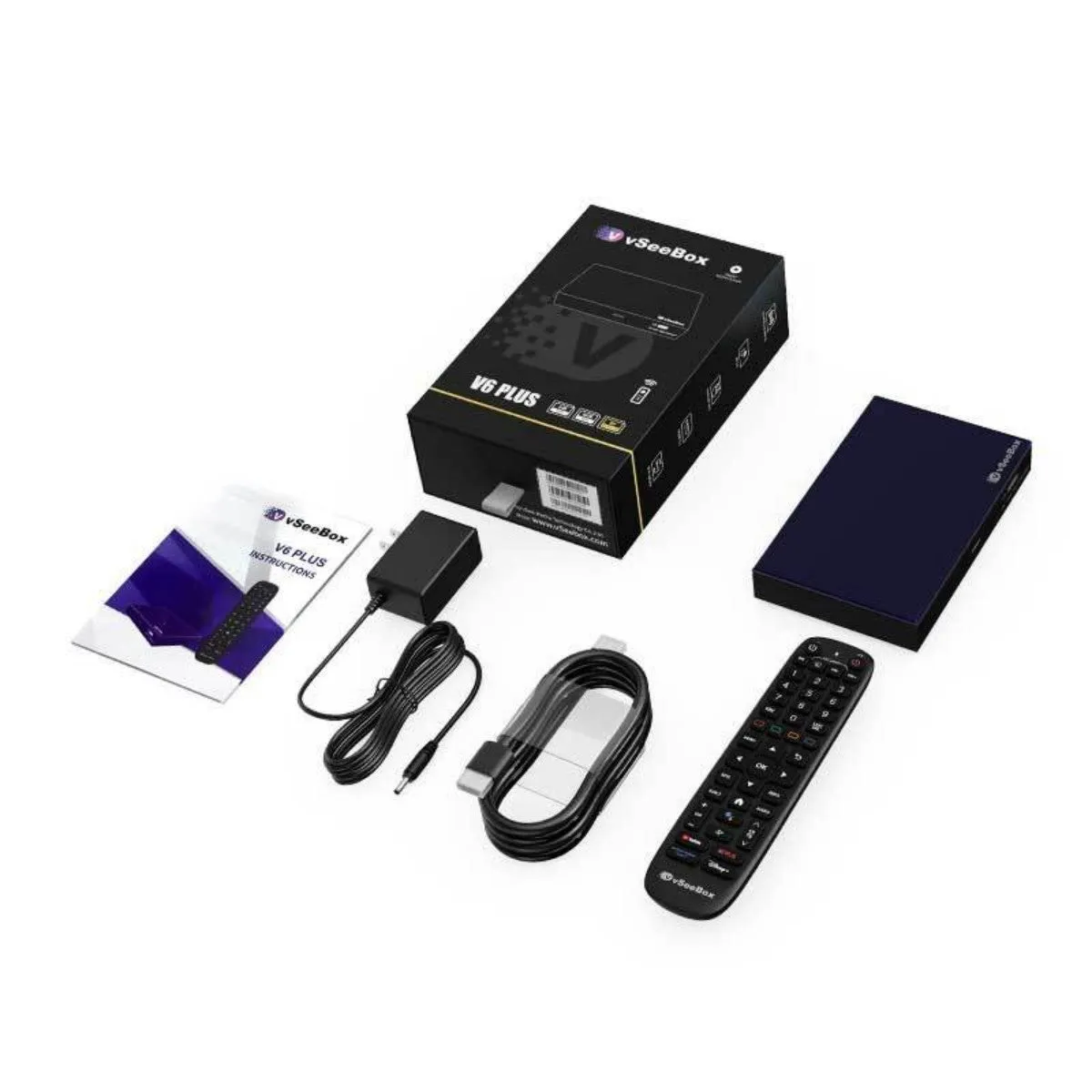
Best Overall Android TV Box: vSeeBox V6 Plus
Amlogic 905Y5 quad-core Cortex-A55, Android 14, 4GB / 64GB, 8K@60fps HDR10, WiFi 6, gigabit Ethernet, split screen, and a backlit remote. $389. 4.9 rating.
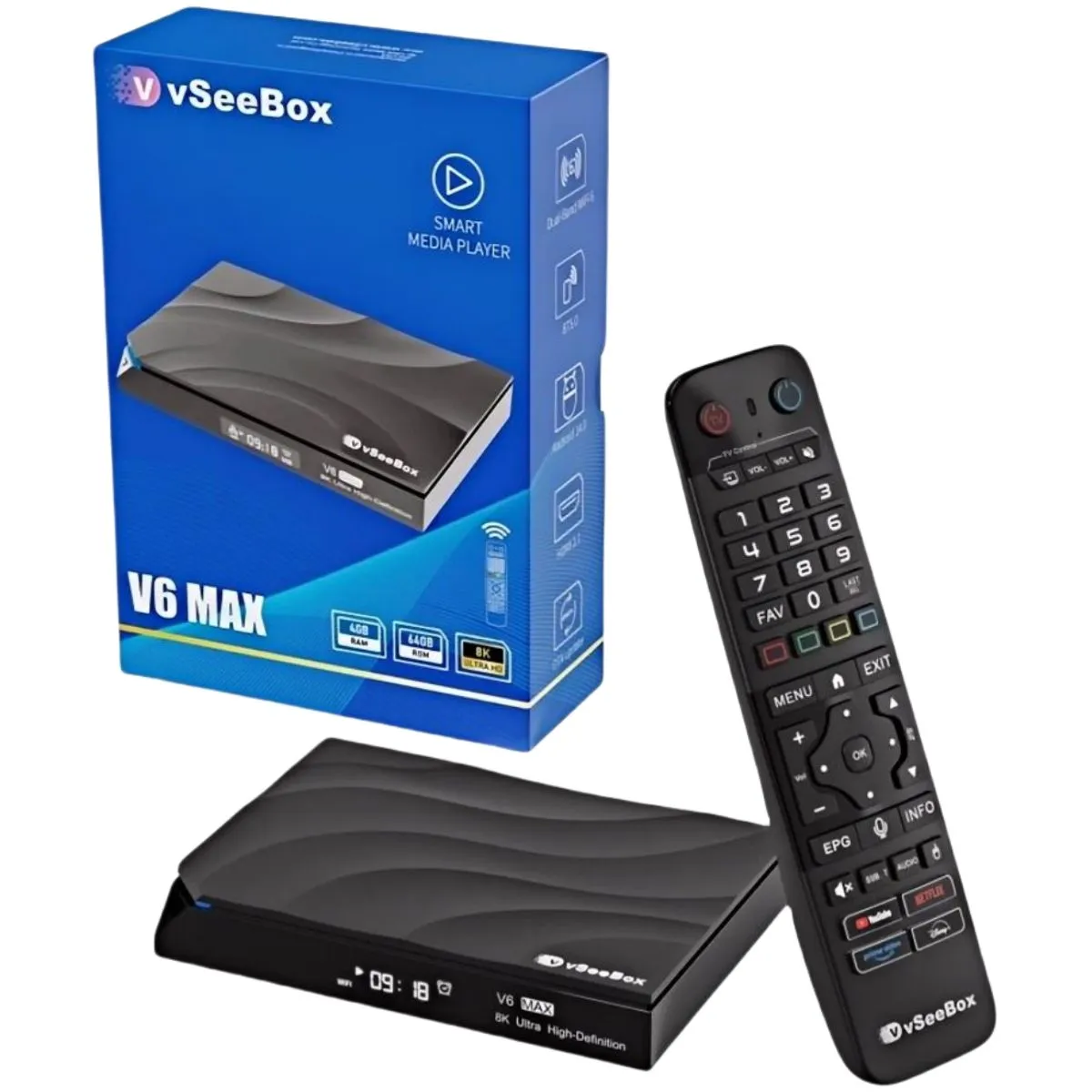
Best 8K Android TV Box for the Price: vSeeBox V6 Max
Amlogic 905Y4, Android 14, 4GB / 64GB, AV1 / VP9 / H.265 10-bit HDR up to 8K@60fps, 2T2R MIMO WiFi 6, and a backlit voice remote. $349 (MSRP $369). 4.8 rating.
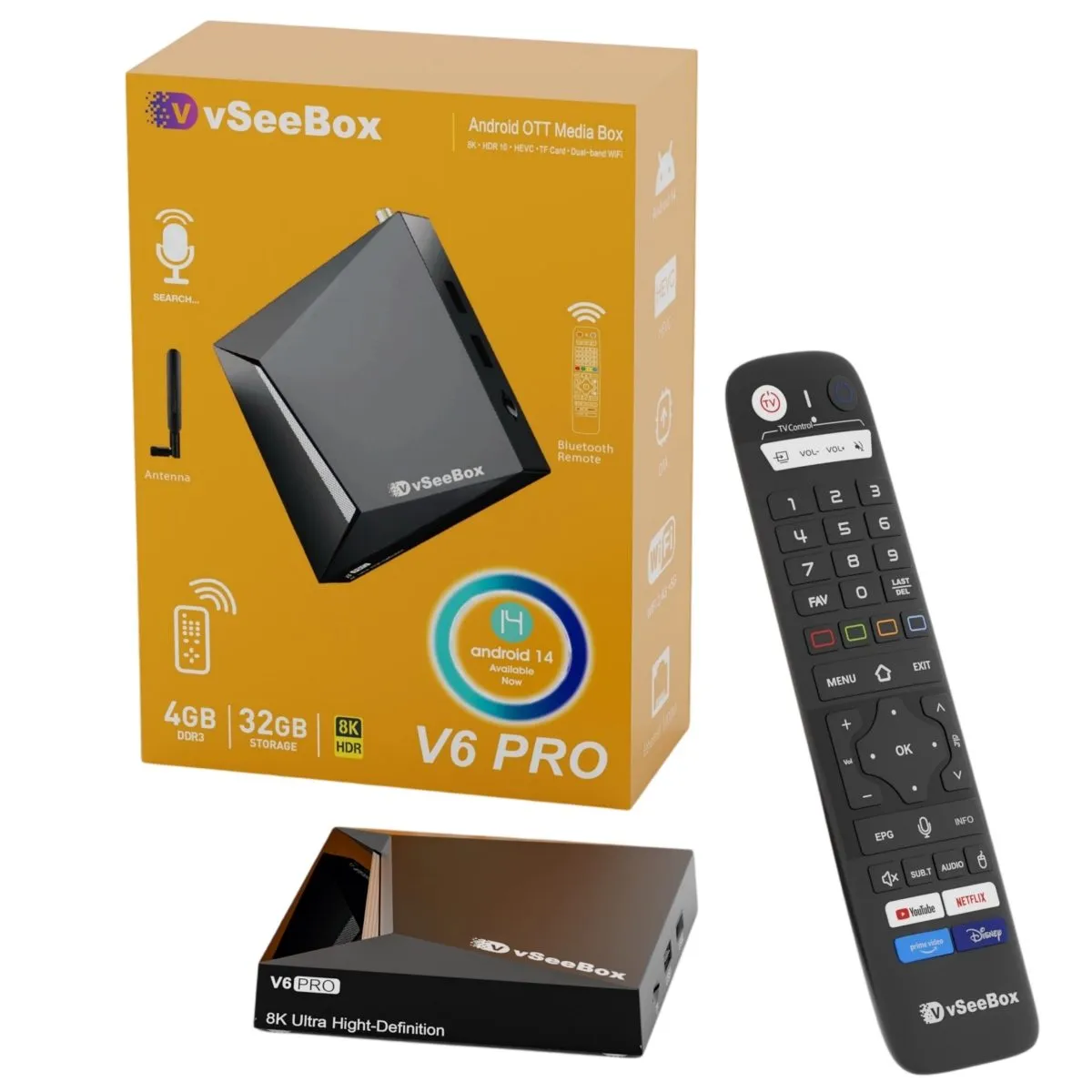
Best Value Android TV Box: vSeeBox V6 Pro
Allwinner H618 quad-core Cortex-A53, Android 14, 4GB / 32GB, up to 6K@60fps, WiFi 6, gigabit Ethernet, USB 3.0, and an external antenna. $359. 4.7 rating.
See every spec side by side on Compare vSeeBox Models.
How to Choose the Best Android TV Box
Match your TV. For an 8K or large 4K TV, choose 8K@60fps decoding (V6 Plus or V6 Max).
Check your connection. If you use a network cable, pick gigabit Ethernet (V6 Plus or V6 Pro).
Plan your storage. Pick 64GB for many apps (V6 Plus or V6 Max), or add a USB drive.
Think about extras. Split screen (V6 Plus), USB 3.0 (V6 Pro), or a backlit remote (V6 Plus and V6 Max).
Buy genuine. Choose an authorized vSeeBox retailer for a real warranty.
Android TV Box vs Fire Stick and Other Streaming Sticks
A streaming stick plugs straight into the HDMI port. An Android TV box is a separate unit with more room for hardware.
Ports: TV boxes add USB and Ethernet. Most sticks have neither.
Storage: vSeeBox boxes have 32GB to 64GB, plus USB expansion.
App choice: Android TV boxes use the Google Play Store.
Cooling and performance: A larger body helps sustain smooth playback.
Read the full guide: vSeeBox vs Streaming Sticks and Built-In Smart TV Apps. Want a broader view? See our Android streaming device page.
How to Set Up an Android TV Box
Plug the box into power and connect it to your TV with the HDMI 2.0 cable.
Pair the Bluetooth remote.
Connect to WiFi 6 or Ethernet.
Sign in to Google and install your apps.
Full steps are in our vSeeBox setup guide. To control TV power and volume, see how to program a vSeeBox remote to your TV.